
DMARC Reporting & Analytics
Turn dense DMARC aggregate XML into clear reports: who is sending email as your domain, what is passing, and what is failing and why.
The problem with raw DMARC reports
DMARC aggregate reports arrive from mailbox providers as XML files. They show up in volume, often compressed, in a format that is hard to read without special tools. Without proper reporting they pile up unread, and the visibility DMARC is meant to give you never materializes.
What DMARCsimple shows you
DMARCsimple parses your aggregate reports automatically and presents them as dashboards you can act on:
- Sending sources: every service and IP address sending mail as your domain, grouped by provider and source.
- Pass and fail rates: SPF and DKIM authentication and alignment results, by domain and sender.
- Failure analysis: drill into failing traffic to see what is breaking and where to fix it.
- Anomalies: highlighted suspicious patterns that may point to spoofing or abuse of your brand.
- Progress toward enforcement: track improvement as your policy moves from none to quarantine to reject.
From reports to recommendations
Reports are only useful if they tell you what to do next. DMARCsimple pairs the data with guided recommendations, such as SPF changes when legitimate traffic is failing, DKIM alignment tips for systems that sign on your behalf, and guidance on tightening your policy as alignment improves.
For the monitoring and DNS side of the platform, see DMARC monitoring & tools. For a step-by-step rollout, use the implementation checklist.
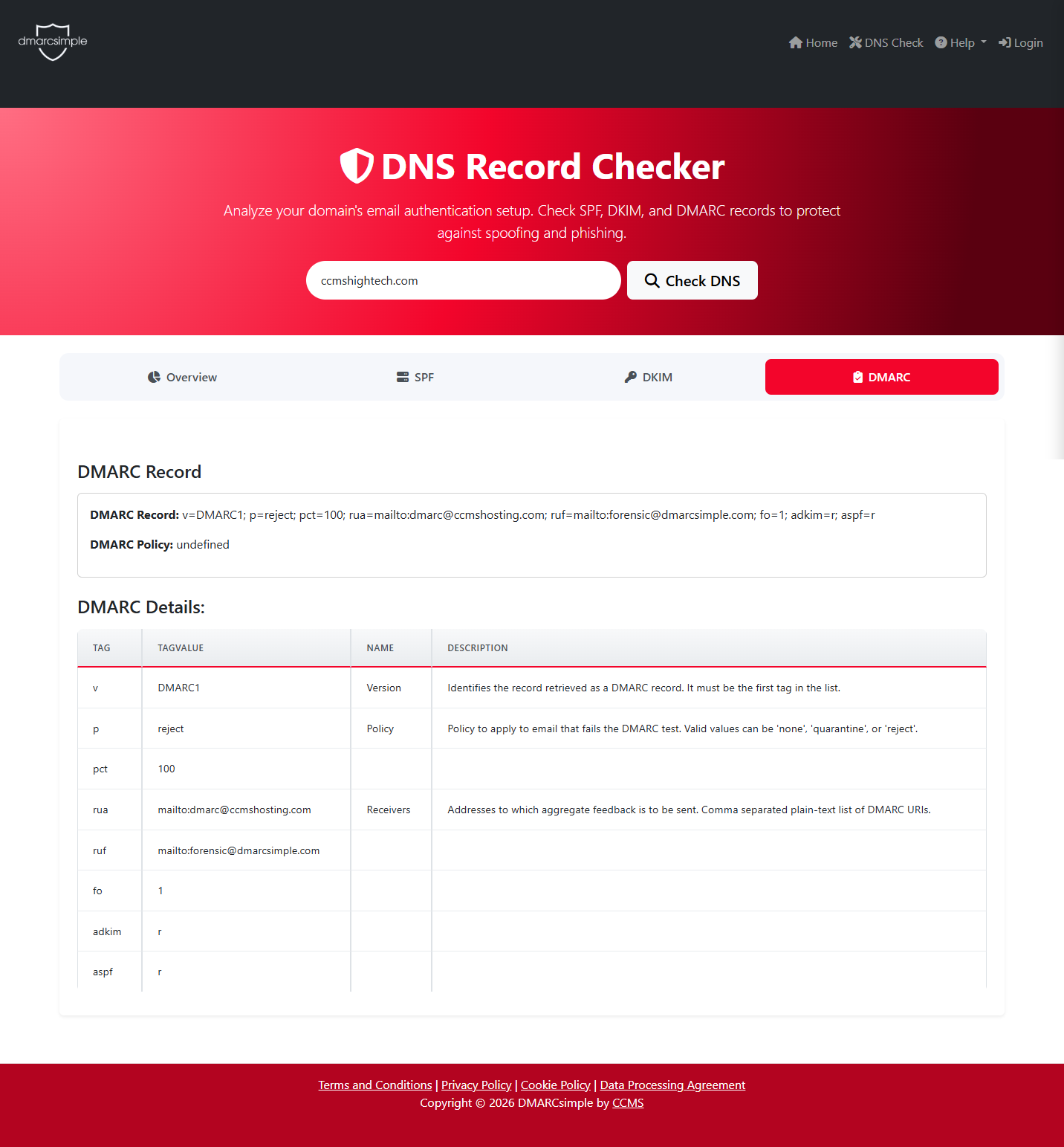
A real aggregate report in DMARCsimple: pass versus fail rates and the sending sources behind them. Click the image to view it full size.